If a calculator is off by 0.1, users stop trusting everything else. That is the real bug. The code can look clean and still fail the moment an athlete compares it with a trusted app.
3 SEO-Ready Title Options
- 7 Debugging Lessons I Learned Building Sports Calculators
- 5 Tiny Calculator Bugs That Quietly Kill User Trust
- 8 Developer Fixes That Made Sports Calculators Feel Reliable
Personal Experience #1: The Golf Handicap Bug Was Only 0.1
I once compared my handicap result with an official reference and missed by one tenth. That difference looked small. It felt enormous.
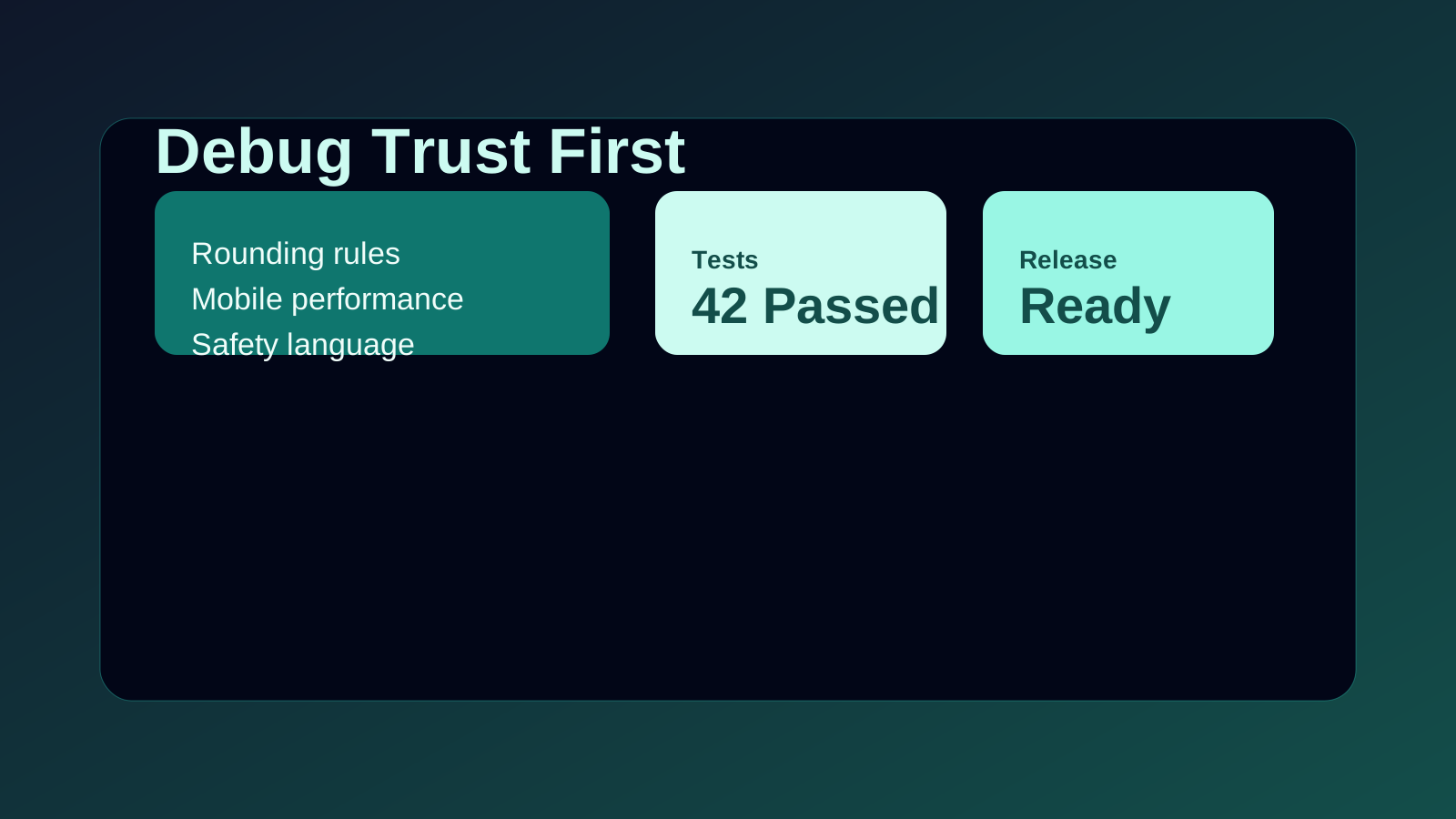
The problem was rounding. The World Handicap System truncates in places where many developers instinctively round. That detail is easy to miss if you know code better than golf.
Pro Tip: When a sports rulebook says "calculated," never assume it means rounded. Rule language usually hides the hardest edge cases.
The Bugs That Matter Most
| Bug type | What broke | How I caught it | Why users care |
|---|---|---|---|
| Rules bug | Handicap decimals were off | Compared against reference examples | Trust disappears instantly |
| Performance bug | Visualization loaded too slowly | Tested on a real phone instead of desktop only | Mobile users bounce fast |
| Safety bug | Conservative outputs were unclear | Read the tool like a nervous beginner | Ambiguous advice feels risky |
The first big lesson was simple. A sports tool is only useful if the domain rule and the code path agree.
That is why the Golf Handicap Calculator gets checked against rule-specific examples, not just unit-level math assumptions.
Personal Experience #2: Fancy Graphics Were Slower Than Honest SVG
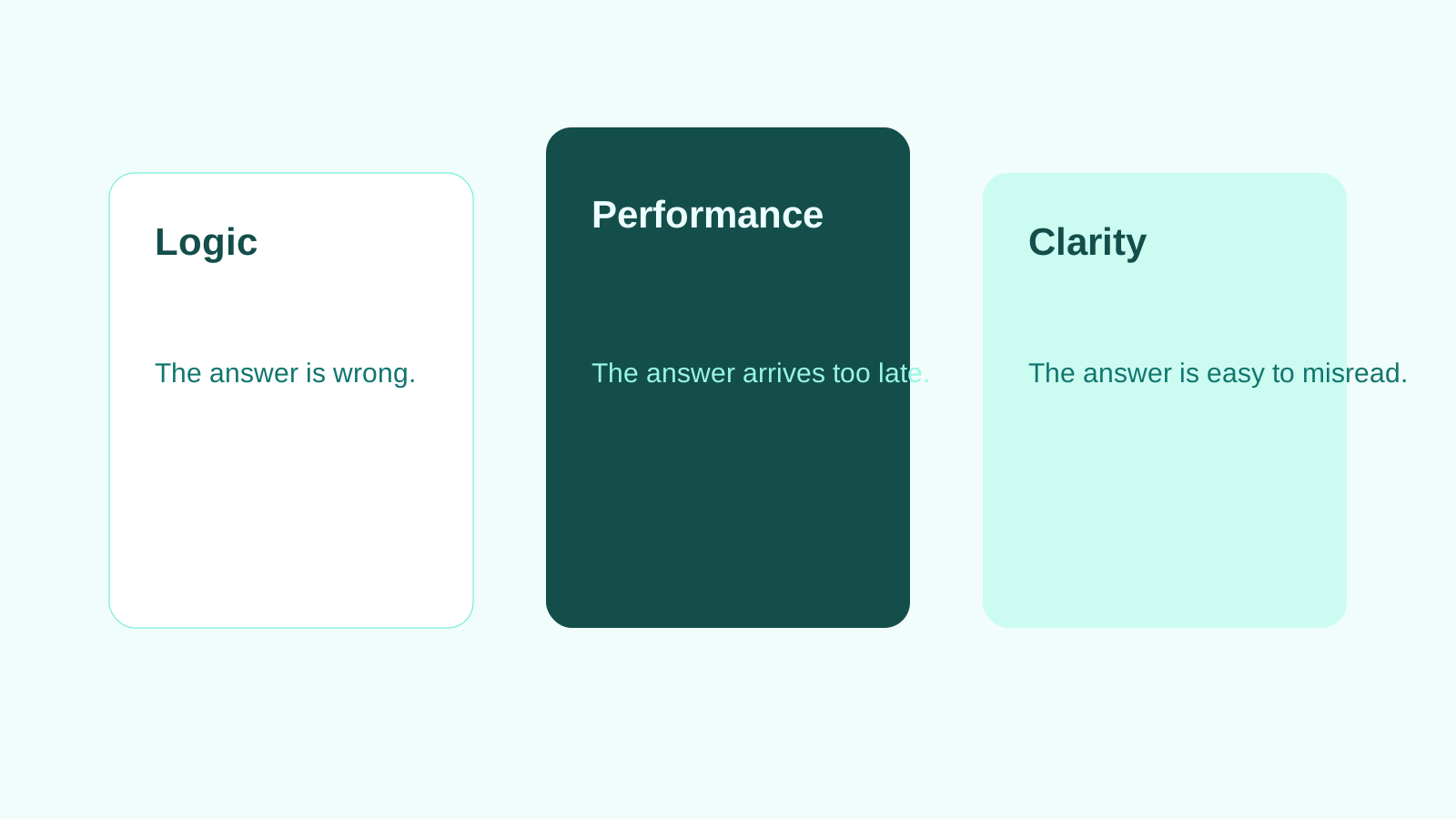
I tried a heavier visual approach for the Bowling Oil Pattern Simulator. It looked impressive on my laptop. It felt clumsy on my phone.
So I stripped it back. Simple SVG won. The page became faster, clearer, and more likely to survive a spotty connection at the alley.
That is one of my favorite product lessons. Visual ambition is useful only when it keeps serving the answer.
Personal Experience #3: Conservative Tools Need Extra Clarity
The Scuba Dive Planner taught me a different lesson. When a tool touches safety, confusion is not a design flaw. It is a liability.
I had to read the output like a nervous first-time user, not like a developer who already knew the table logic. That meant clearer wording, cleaner spacing, and obvious next actions.
Pro Tip: If a beginner could misread a result under pressure, the interface is not finished yet. Clarity is part of correctness.
Why This Changed My Product Philosophy
I used to think accuracy came first and UX came second. Now I think they rise together. Fast feedback, short paragraphs, and clean tables are not decoration on a tools site.
They are part of the trust stack. That same thinking shapes how every new article and calculator on Web Ocean Sports gets shipped.
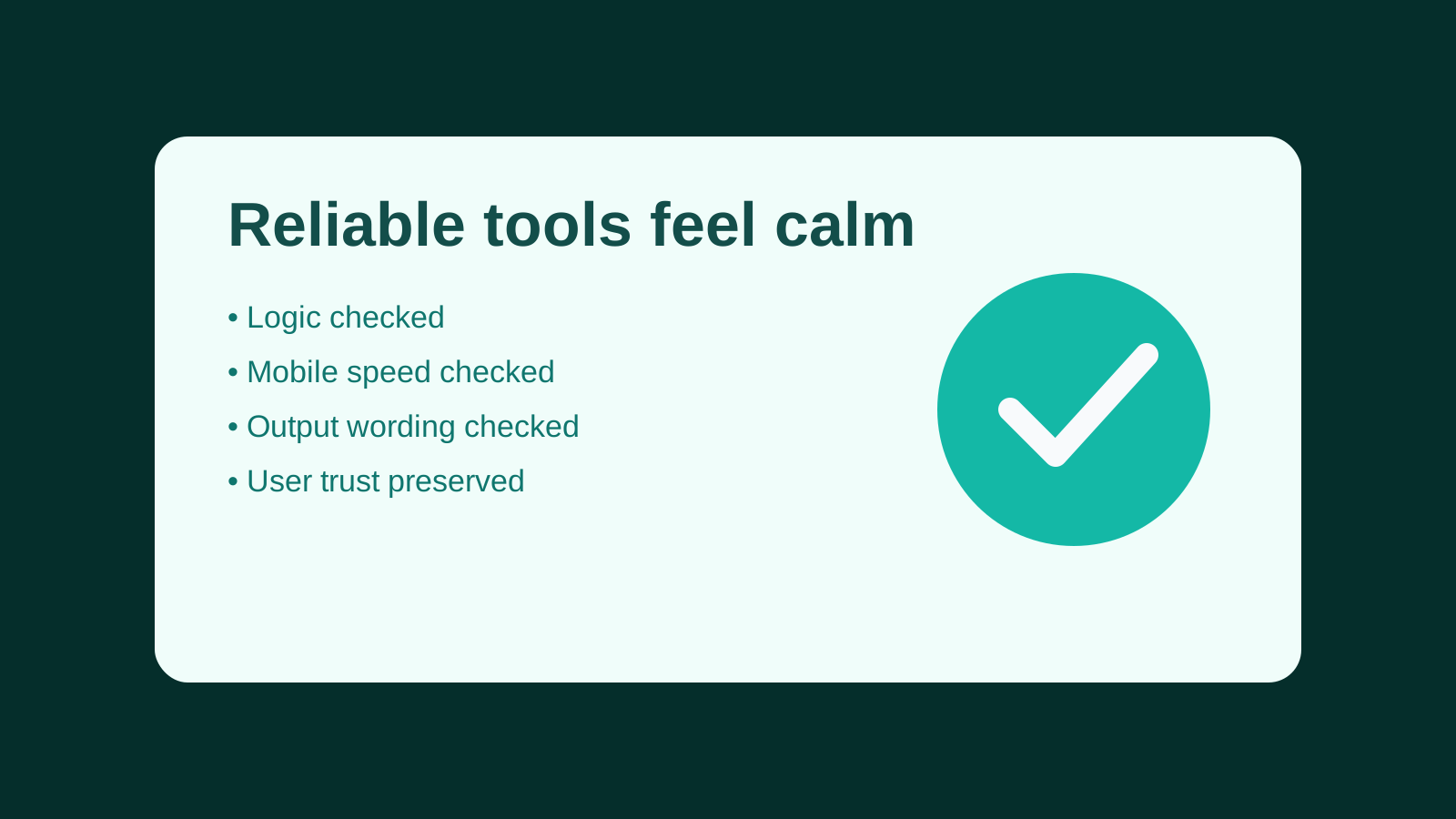
If you build utilities for athletes, test the logic, then test the feeling. Both matter.
If you have ever caught a calculator bug in the wild, tell me what gave it away first.
Meta Description (140 chars): Read practical debugging lessons for sports calculators: rounding rules, mobile speed fixes, and UX decisions that keep user trust stronger.