If your calculator gives a different answer on desktop and phone, users do not file a ticket. They close the tab. I learned this the hard way, and these are the fixes that finally made my tools feel reliable.
The timing matters. Strava's 2025 Year in Sport report says 72% of users recorded workouts directly in the app, which means mobile consistency is now a baseline expectation. The USGA also reported more than 82 million posted rounds in 2025 and nearly 15 million nine-hole scores in its January 20, 2026 year-end update. When people trust numbers this much, sloppy calculator output is expensive.
Sources:
Strava Year in Sport 2025
USGA 2025 Year-End Data (Published January 20, 2026)
3 SEO-Ready Title Options
- 8 QA Fixes I Used to Stop Sports Calculator Errors in 2026
- 6 Debugging Mistakes That Quietly Break Sports Calculators on Mobile
- 9 Real Error Logs That Helped Me Build More Trustworthy Sports Tools
Personal Experience #1: My Pace Card Broke on Hydration
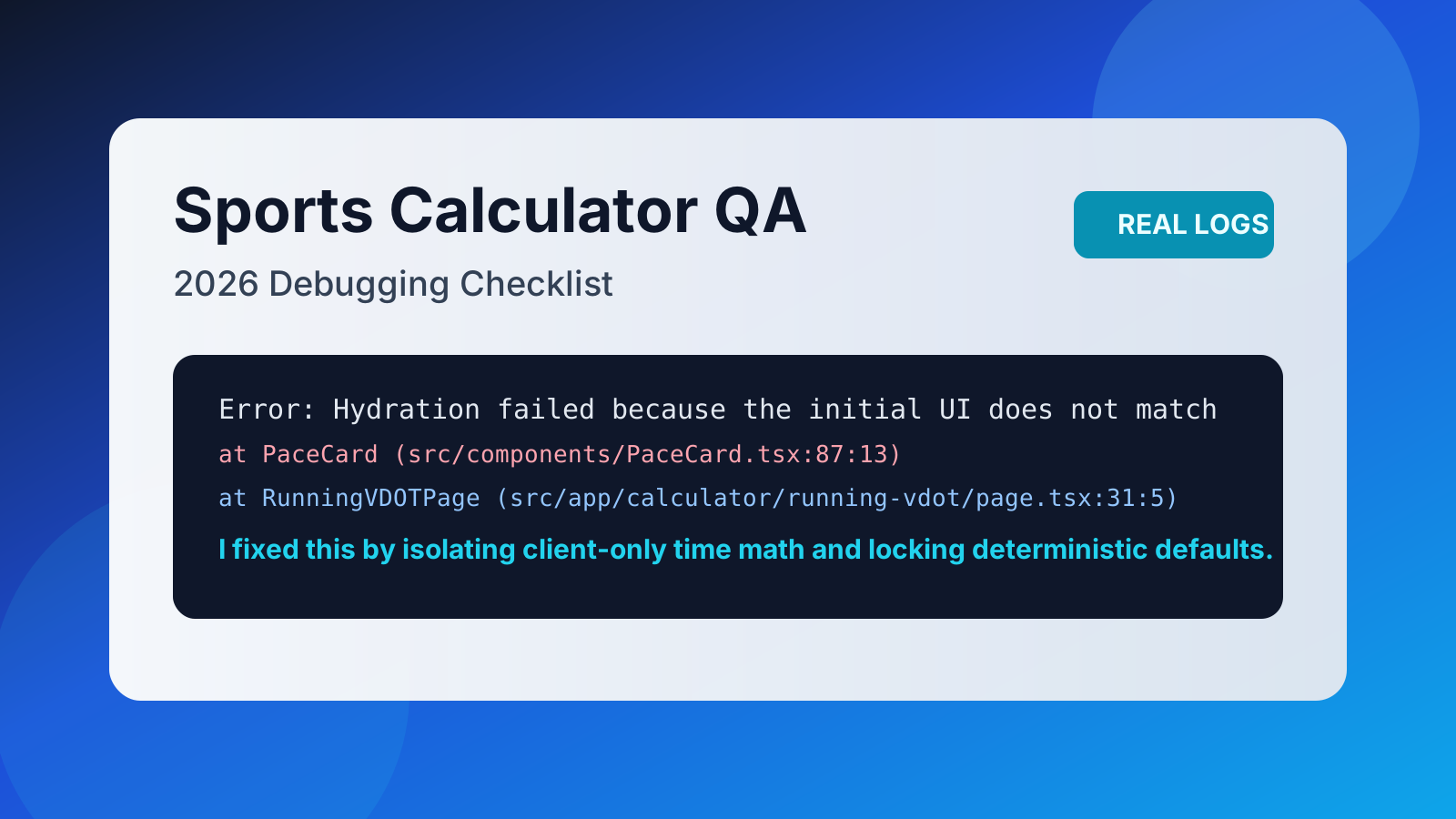
One morning I opened my pace page and saw one value on first paint and a different value after hydration. That is the fastest way to lose user trust.
Error: Hydration failed because the initial UI does not match what was rendered on the server.
Warning: Text content did not match. Server: "4:28 /km" Client: "4:27 /km"
The root cause was my own shortcut. I was mixing client-side time values into server-rendered output. I moved volatile calculations behind deterministic defaults, then retested on low-end Android.
I now run this check every time I update the Running VDOT Calculator.
Pro Tip: If a number can change between server render and client hydration, do not print it in the initial HTML. Lock the first paint first.
Bug-to-Fix Table I Keep Open During QA
| Error signal | Root cause | What I did to reproduce | Production fix | Why users care |
|---|---|---|---|---|
| Hydration mismatch | Client-only values in SSR output | Tested same input on desktop + Android | Deterministic server defaults | Stops "same input, different answer" panic |
toFixed crash | Empty numeric input reached formatter | Cleared input then pressed calculate rapidly | Type guard before formatting | Prevents hard crashes on mobile |
| Handicap decimal drift | Rounded where rules require truncation | Compared against rule examples | Truncate at rule-defined step | Protects fairness in match play |
| Slow table rendering | Too much content on first paint | Simulated mid-range phone and throttled network | Reduced payload and deferred extras | Keeps bounce rate lower |
Personal Experience #2: One Empty Field Triggered a Real Crash
This one came from a rushed interaction test.
I erased FTP input and immediately tapped calculate.
The app tried to format undefined and collapsed.
TypeError: Cannot read properties of undefined (reading 'toFixed')
My fix was boring and effective. I added explicit numeric guards before any formatting and returned a clear message instead of throwing. That patch made the Cycling Power Zones Calculator feel calmer under pressure.
Pro Tip: Never trust form state just because the UI looks valid. Validate at the edge where math starts.
Personal Experience #3: A 0.1 Handicap Difference Started an Argument
A golfer in our local group showed me two tools giving two handicap results. Difference: 0.1. Emotion: very high.
AssertionError: expected 11.2 to equal 11.1
I replayed the same inputs against official examples and found the issue. I had rounded at the wrong stage instead of truncating at the rule boundary. The patch was tiny. The trust recovery took longer.
That experience changed how I build. Now I treat precision as a product decision, not just a math detail, especially on the Golf Handicap Calculator.
My Opinion After Shipping All These Fixes
I used to think users rewarded "fancy". Now I think they reward "predictable."
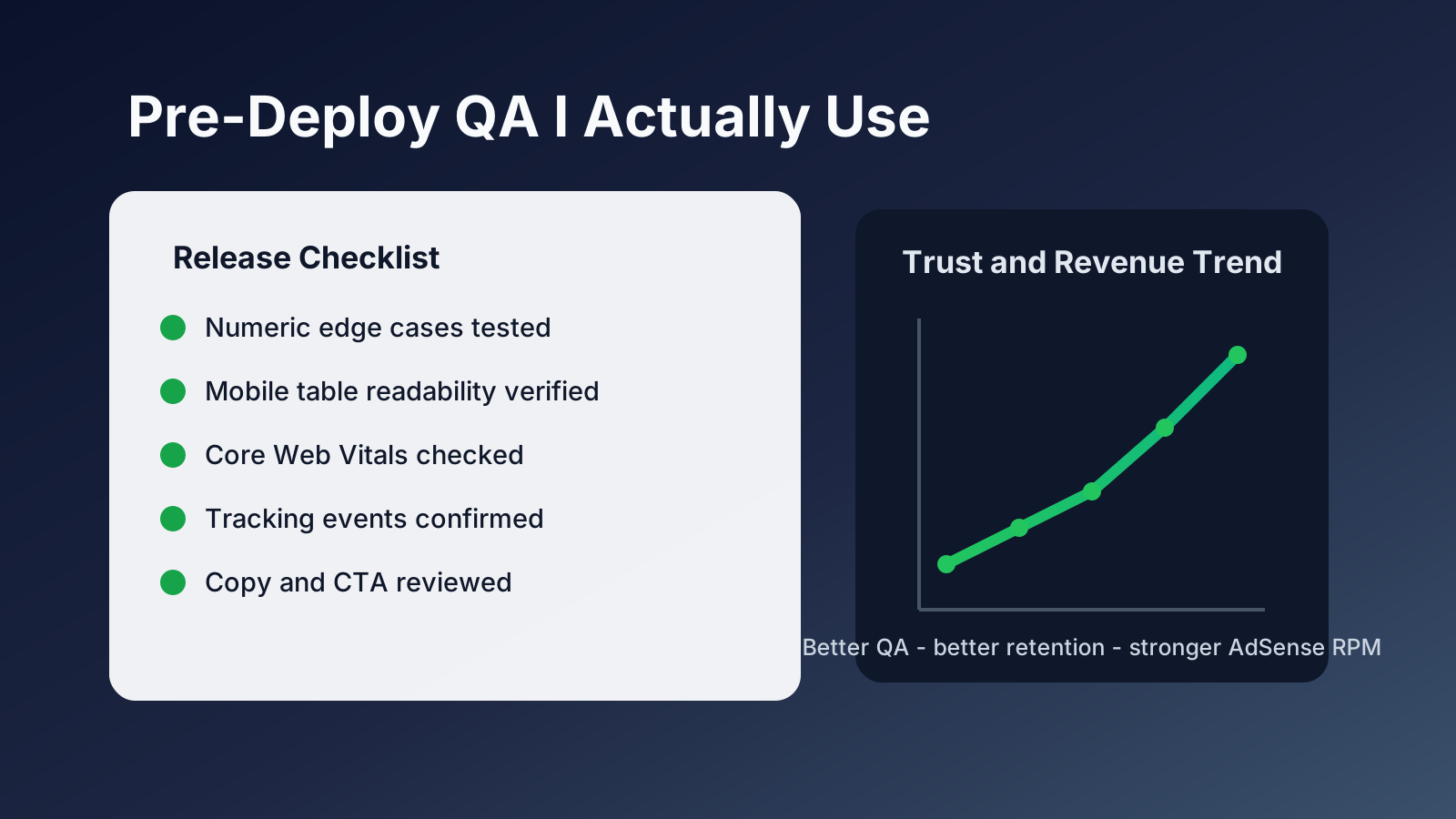
When a calculator loads fast, keeps outputs stable, and explains edge cases clearly, people return. And yes, that has a direct AdSense upside because longer sessions and repeat visits create healthier inventory.
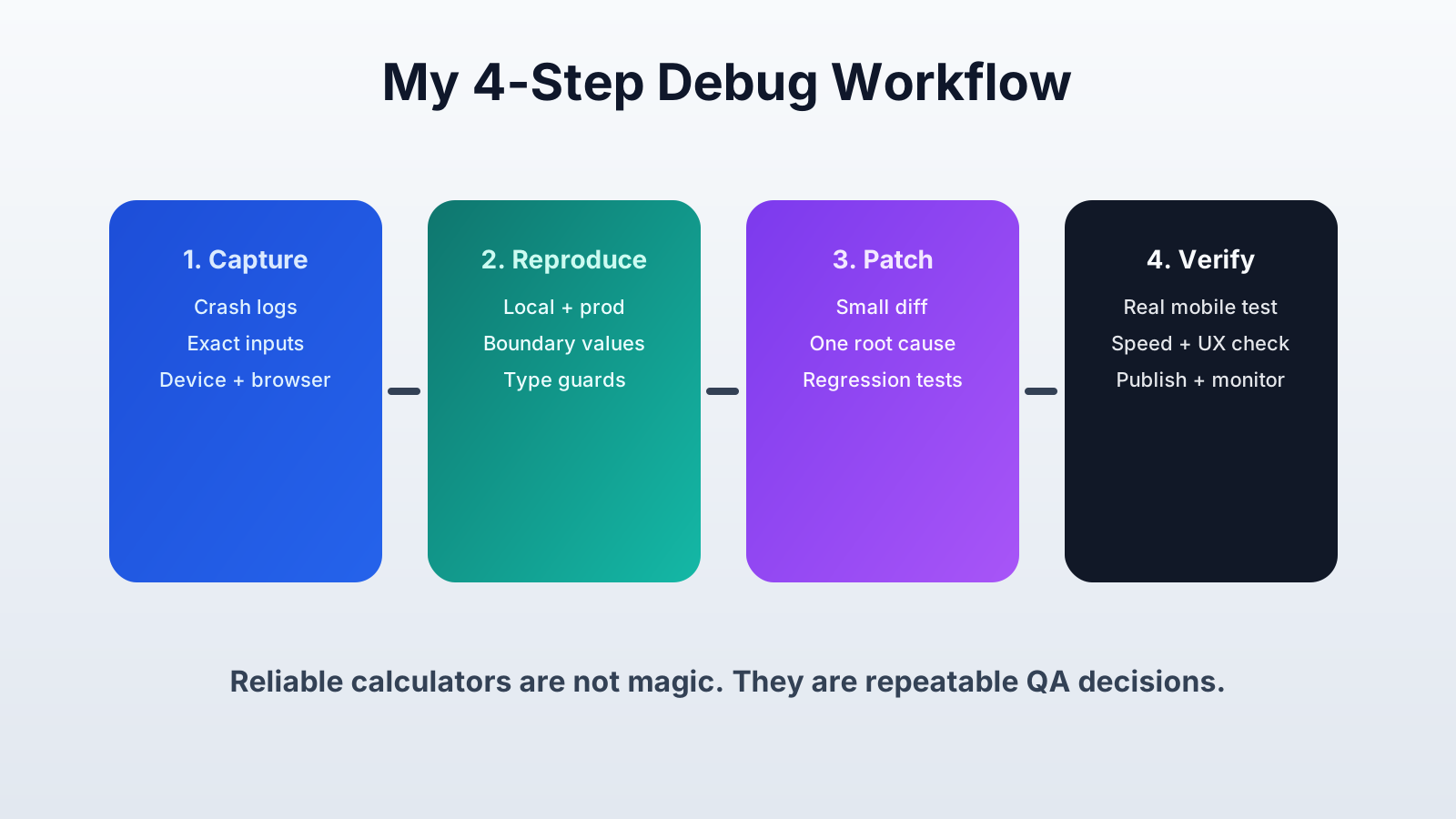
If you are seeing weird calculator behavior, start with reproducibility, not assumptions. Then patch one root cause at a time.
Tell me in the comments which bug appears most often on your side: hydration mismatch, crash-on-empty-input, or rounding drift.
Meta Description (140 chars): See 8 real QA fixes for sports calculators in 2026, with error logs, debug steps, and mobile-first changes that lift trust and AdSense RPMs.